



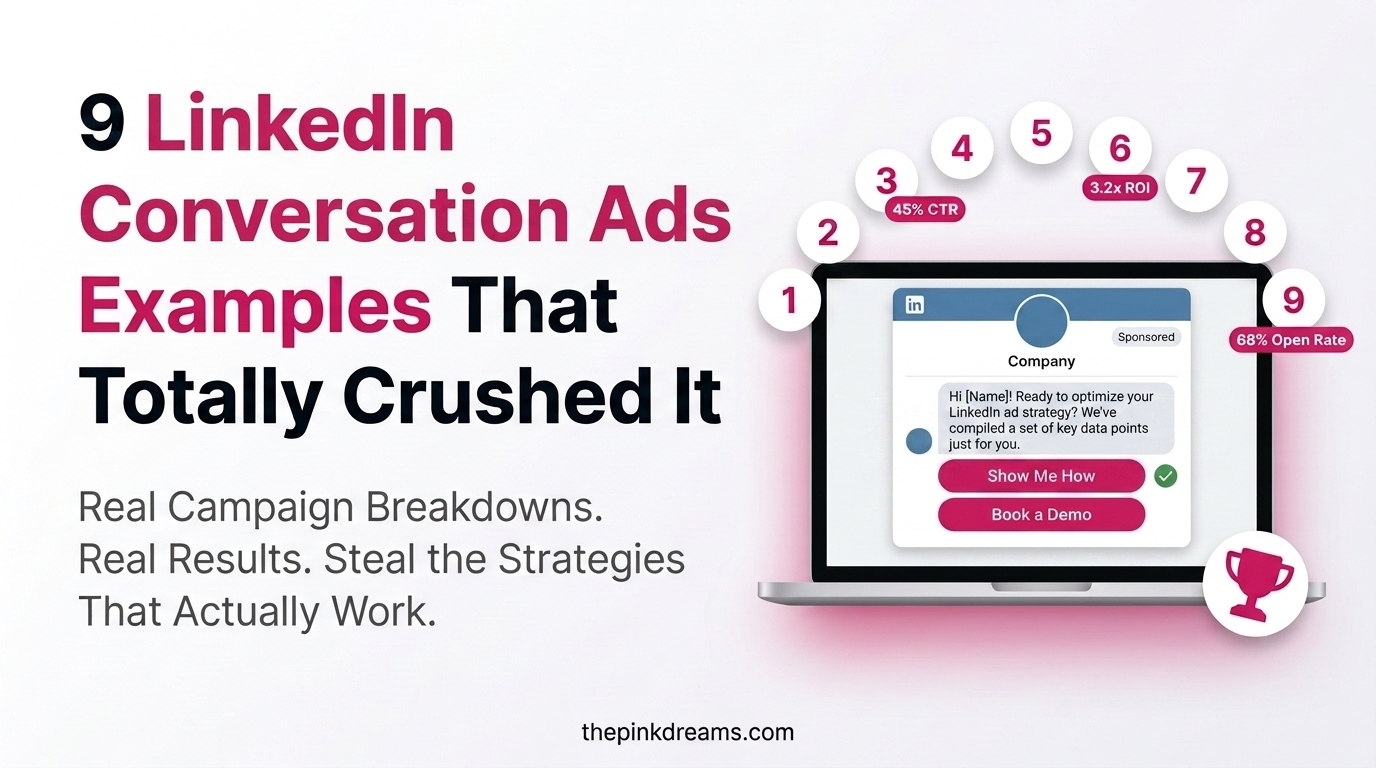
Nine inbox messages that got the click, the reply, and the booked meeting. Here is exactly why each one worked.
The best LinkedIn Conversation Ads examples share a pattern: a real, senior sender, a short opener that leads with the recipient’s problem, and two to four branching CTA buttons that let people choose their own path. The nine examples below span lead generation, demos, events, and re-engagement, each showing the structure and the reason it converted. If you want to implement these strategies at scale, partnering with an experienced LinkedIn Agency can help you create, test, and optimize Conversation Ads that generate more qualified B2B leads.
Key Takeaways
- Every high-performing Conversation Ad opens with a real person and a short, personal message.
- Multiple CTA buttons beat a single yes-or-no, because recipients self-select the path that fits them.
- Leading with the recipient’s problem or a useful resource outperforms leading with your product.
- The nine examples below are reusable templates: swap in your sender, offer, and audience.
- Personalisation with first name and company lifts open and reply rates when used lightly.
- Judge every example on cost per meeting, not on opens, since opens flatter and pipeline pays.
What Makes a LinkedIn Conversation Ads Work?
A LinkedIn Conversation Ad is an interactive message delivered to a prospect’s LinkedIn inbox, charged per send, that opens with a short note and branches into clickable call-to-action buttons. The examples that convert all get three things right: a credible human sender, a value-first opener, and a small set of clear CTAs.
Before the examples, it helps to name the levers, because every one of the nine below is just a different combination of them, and together they form the LinkedIn Conversation Ads best practices that separate a booked meeting from a wasted send. Get these right and the format rewards you; get them wrong and no amount of budget rescues the campaign, which is why they sit at the centre of any serious LinkedIn marketing programme.
• The sender: a real, senior person with an active profile always outperforms a brand name.
• The opener: short, personal, and built around the recipient’s problem, not your product.
• The CTAs: two to four branching buttons so every recipient has a natural next step.
• The targeting: two to three facets, precise enough to be relevant, broad enough to deliver.
Key Takeaway: Read each of the LinkedIn ad examples below for the combination of sender, opener, and CTAs. That combination, not the clever wording, is what you are copying.
9 LinkedIn Conversation Ads Examples That Crushed It
Each example below is an illustrative, composite template drawn from patterns that consistently perform, not a claim about a specific named brand. Treat them as conversation ad templates: keep the structure, swap in your own sender, offer, and audience. Everyone names the goal, the setup, and the reason it converted.
1. The problem-first lead-gen opener
A software company targets department heads with a one-line message naming an expensive, familiar pain point, then asks a single question. The sender is a senior account lead, not the brand.
• Opener: “Most [role] teams lose hours a week to [manual task]. Worth a quick look at how others fixed it?”
• CTAs: “Show me how”, “Watch the 2-minute demo”, “Not right now”.
• Why it worked: naming a specific cost earns the open; three CTAs let the ready and the curious both act.
2. The demo-booking direct ask
For a warm audience that already knows the category, a shorter, more direct message skips the education and goes straight to the offer. Sender is a solutions specialist.
• Opener: “Hi [First name], happy to walk you through [product] on a quick call. Pick a time that suits?”
• CTAs: “Book a slot”, “Send me details first”.
• Why it worked: warm audiences reward brevity; the second CTA catches those not quite ready to book.
3. The gated-resource offer
A professional-services firm leads with a genuinely useful guide and no hard sell. Sender is a partner or practice lead, which lends the resource authority.
• Opener: “We just published a guide on [topic] for [role]. Want a copy?”
• CTAs: “Send the guide”, “Book a chat”, “No thanks”.
• Why it worked: the low-friction task lifts engagement, and the guide qualifies genuine interest for follow-up.
4. The event or webinar invitation
A company promoting a webinar uses the inbox to drive registrations, with the sender being the actual host or speaker so the invite feels personal.
• Opener: “I’m hosting a session on [topic] on [date]. Thought it might be useful for your team.”
• CTAs: “Save my seat”, “Send the recording after”, “Not this time”.
• Why it worked: the recording CTA captures interest even from those who cannot attend live.
5. The peer-proof case study
An opener that leads with a concrete result a comparable company achieved, letting the outcome do the persuading. Sender is an account executive.
• Opener: “A [similar company] cut [metric] by [amount] last quarter. Happy to share how, if useful.”
• CTAs: “Show me the case study”, “Book a call”, “Not relevant”.
• Why it worked: specific peer proof outperforms generic claims and pre-qualifies with the “not relevant” option.
6. The re-engagement nudge
A follow-up campaign to prospects who engaged once and went quiet. The sender is the same person they spoke to before, which makes the message feel like a continuation, not a cold approach.
• Opener: “Hi [First name], we spoke a while back about [topic]. Timing any better now?”
• CTAs: “Let’s reconnect”, “Send an update”, “Check back later”.
• Why it worked: familiarity plus a soft ask revives dormant leads at a fraction of new-lead cost.
7. The trend or benchmark hook
An opener that leads with a relevant industry shift or benchmark, then offers help acting on it. Sender is a senior strategist or practice lead.
• Opener: “Most [industry] teams are rethinking [trend] this year. Curious how you’re approaching it.”
• CTAs: “Share our take”, “Book a discussion”, “Not a priority”.
• Why it worked: a timely, non-salesy hook earns replies from senior audiences who ignore product pitches.
8. The free-trial or assessment offer
A company offering a free trial or audit uses a concrete, low-commitment offer as the hook. Sender is a customer-facing team member who can actually deliver it.
• Opener: “Want a free [assessment] of your [area]? It takes 15 minutes and you keep the findings.”
• CTAs: “Book the assessment”, “Tell me more”, “Not now”.
• Why it worked: a tangible takeaway the recipient keeps lowers the barrier and drives strong linkedin ads conversion.
9. The account-based, named-company play
A tightly targeted campaign to a short list of named accounts, with messaging that references something specific about the recipient’s company. Sender is a senior owner of that account.
• Opener: “Noticed [company] is [growing / hiring / expanding] in [area]. We help teams like yours with [outcome].”
• CTAs: “Let’s talk”, “Send a short overview”, “Not right now”.
• Why it worked: genuine company-level relevance makes an expensive send convert far above a generic blast.
Key Takeaway: Across all nine, the winning pattern repeats: a real sender, a short problem- or value-first opener, and branching CTAs. The offer changes; the structure does not.
What These 9 Examples Have in Common
Read together, the nine LinkedIn Conversation Ads examples reveal a single repeatable formula. None of them lead with a product feature. None uses a brand as the sender. None forces a yes-or-no. Every one opens with the recipient in mind and offers a choice of next steps.
• A human sender: every example sends from a named, senior person, matched in seniority to the audience.
• A short, personal opener: all stay brief and lead with a problem, a result, or a useful resource.
• Branching CTAs: each offers two to four buttons, including a graceful “not now” that pre-qualifies.
• Light personalisation: first name and company appear naturally, never stuffed.
• A single clear goal: each campaign optimises for one outcome, whether a demo, a download, or a registration.
Key Takeaway: The examples differ in offer and audience but share one skeleton. Learn the skeleton and you can write the tenth yourself.
How to Write Your Own High-Converting Conversation Ad
To write your own, work in the order the recipient experiences it: pick the sender, write the opener, then design the CTA branches. Most advertisers do it backwards, starting with the offer, which is why their messages read like ads instead of conversations.
• Choose a real, senior sender whose seniority matches the audience and whose profile is complete.
• Open with the recipient’s problem or a useful resource, in under 500 characters, personalised lightly.
• Offer two to four CTAs including a graceful decline that quietly qualifies out the wrong people.
• Script each branch so every button leads somewhere genuinely useful, not a dead end.
• Target two to three facets precise enough to be relevant, broad enough to deliver volume.
• Measure on cost per meeting and feed the result back into the next test.
Strong copy alone will not save a weak landing experience, which is why the click needs somewhere good to land. Pairing the ad with focused conversion rate optimization is what turns a reply into a booked meeting.
Common Mistake: Writing the offer first and the opener last. The opener is the ad. Draft it, and every branch, before you touch budget settings.
Facebook vs LinkedIn: When Conversation Ads Are the Right Tool
LinkedIn Conversation Ads work best for B2B, enterprise sales, and high-value purchases where reaching a specific decision-maker matters. If you are marketing to consumers or need broad reach at a lower cost, Facebook Ads are usually the better choice. The right platform depends on your audience, buying journey, and campaign objective. For a detailed comparison, read our LinkedIn Ads vs Facebook Ads guide.
Key Takeaway: Use Conversation Ads when reaching the right person matters more than reaching the most people.
Quick Recap
Nine examples, one formula: real sender, short problem- or value-first opener, two to four branching CTAs, light personalisation, and a single clear goal per campaign. Reuse the templates, pair them with a strong landing experience, and measure on cost per meeting. Then test the sender, opener, and CTAs relentlessly, because iteration is where the compounding happens.
Action Checklist
• Pick the example closest to your campaign goal
• Assign a real, senior sender with a complete, active profile
• Write an opener under 500 characters that leads with the recipient
• Personalise lightly with first name and company
• Offer two to four branching CTAs, including a graceful decline
• Script a genuinely useful destination behind every CTA
• Target two to three audience facets, not more
• Pair the ad with a fast, relevant landing page
• Launch one full test window before judging results
• Measure on cost per meeting and iterate on sender, opener, and CTAs
Next Steps
Choose one example, adapt its template, and build a single campaign end to end: sender, opener, branches, and landing page. Run it for a full window, then start testing. Let cost per meeting decide where the next iteration goes.
And if you would rather leave it to the experts, Pink Dreams can help. As a LinkedIn Ads agency and Facebook Ads agency working with businesses across the US, the UK, Canada, Australia, and the UAE, we build, target, and continuously test paid social campaigns, connecting every send to booked meetings. Request a free paid social audit to see where Conversation Ads fit your funnel.
FAQ
What objectives can I use with LinkedIn Conversation Ads?
Conversation Ads support website visits and lead generation. Each message should carry at least two calls to action aligned with those goals, so recipients can choose between, for example, booking a demo and downloading a resource. Match the objective to where your audience sits in the buying journey.
How many CTA buttons can I include in a Conversation Ad?
You can include up to five CTA buttons per message, though two to four is usually most effective. Multiple buttons let recipients self-select the path that fits them, which lifts engagement over a single call to action. Make each button short, specific, and genuinely distinct.
How long should my Conversation Ad message be?
Keep the opening message short, ideally under 500 characters. LinkedIn allows far longer, but engagement drops as length grows. Lead with the recipient’s problem, personalise with macros, and let the branching follow-up messages carry any additional detail rather than cramming it into the opener.
What is the best way to personalize Conversation Ads at scale?
Use LinkedIn’s macro fields, such as first name, last name, company, job title, and industry, to tailor each message automatically. The strongest approach is layering: start with a personalized greeting, then shape the message around the recipient’s role and company type. Avoid overusing macros, which reads as automated.
How much do LinkedIn Conversation Ads cost?
Conversation Ads are charged per send rather than per click, and the actual rate varies widely by audience, industry, and competition, so treat any published benchmark as a starting reference rather than a rule. Because relevance drives cost, a well-targeted, well-written message usually delivers a lower cost per qualified lead.
Accordion title 6

Digital Marketing Strategist & Business Coach
As a leading digital marketing strategist and business coach, he is responsible for helping entrepreneurs and brands grow faster in a smarter, more scalable way. With over 20 years of experience, Nagarajan specializes in practical coaching, automation-first marketing strategies, and technology-driven growth systems. His work focuses on enhancing brand visibility, improving performance, and building sustainable frameworks that enable long-term business success.